
Mavic 3T Highway Capture: Urban Tutorial Guide
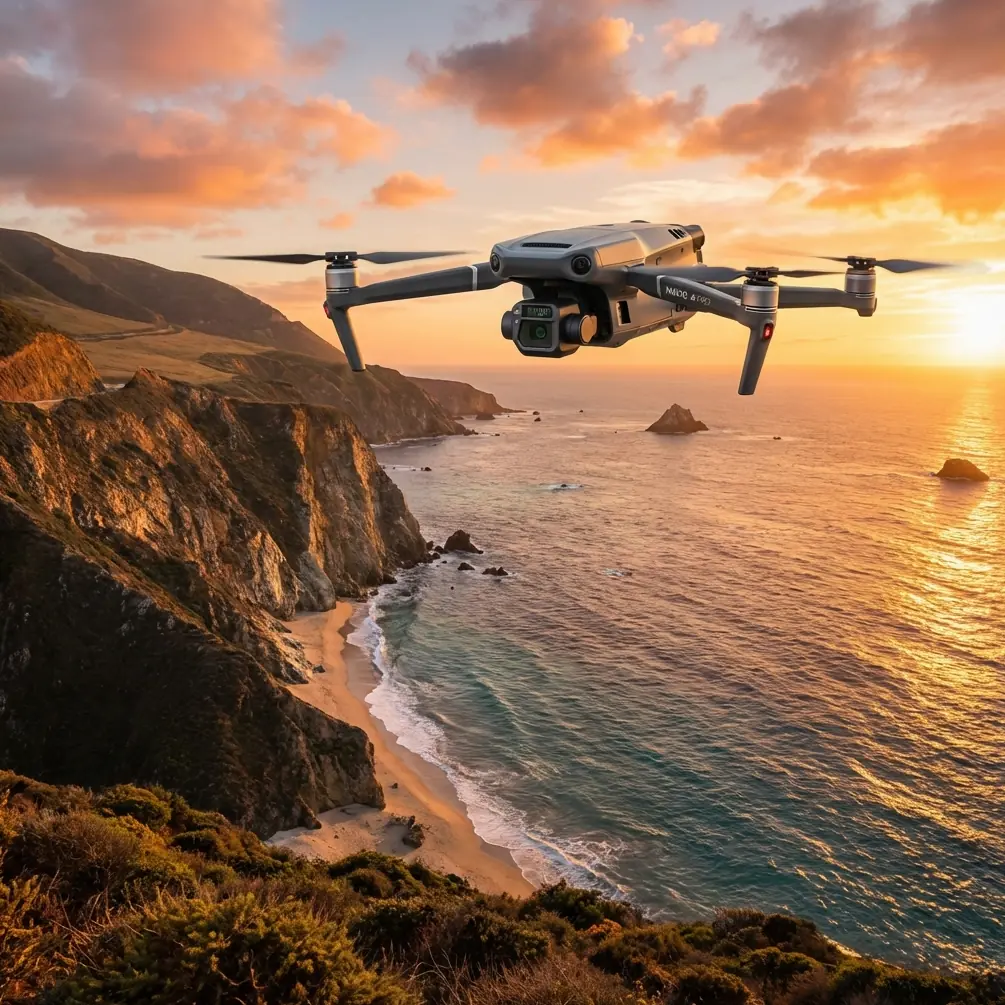
Mavic 3T Highway Capture: Urban Tutorial Guide
META: Learn how to capture urban highway data with the DJI Mavic 3T. Expert tutorial covering thermal imaging, photogrammetry workflows, and electromagnetic interference solutions.
By James Mitchell | Urban Infrastructure Mapping Specialist
TL;DR
- Electromagnetic interference (EMI) from urban power lines and cell towers is the top challenge when capturing highway data with the Mavic 3T—antenna orientation and channel selection solve it.
- The Mavic 3T's three-sensor payload (wide, zoom, and thermal) enables simultaneous visual and thermal signature capture of road surfaces, joints, and subsurface anomalies in a single flight pass.
- Proper GCP (Ground Control Point) placement along highway corridors is essential for centimeter-accurate photogrammetry outputs.
- O3 transmission reliability, AES-256 encrypted data handling, and BVLOS planning considerations are critical for professional urban highway surveys.
Why the Mavic 3T Dominates Urban Highway Mapping
Urban highway capture pushes drones to their limits. Between buzzing high-voltage lines, dense RF traffic from cell towers, and restricted airspace corridors, most platforms struggle to maintain stable links and deliver survey-grade data. The DJI Mavic 3T was built for exactly this kind of hostile operational environment—and this tutorial will walk you through every step of planning, executing, and processing a professional urban highway capture mission.
Whether you're documenting pavement condition, performing thermal analysis of expansion joints, or building a full photogrammetry model for transportation engineering, the workflow below will help you avoid costly mistakes and deliver data your clients can trust.
Understanding the Mavic 3T's Core Capabilities for Highway Work
Before heading into the field, it's worth understanding why the Mavic 3T's specifications matter specifically for highway corridor mapping.
Triple-Sensor Payload
The Mavic 3T integrates three cameras into a single stabilized gimbal:
- Wide Camera: 48MP, 1/2-inch CMOS sensor with an 82.1° FOV—ideal for broad contextual imagery of multi-lane highways.
- Zoom Camera: 48MP with 56× max hybrid zoom—critical for inspecting bridge decks, signage, and guardrail damage without flying dangerously close to structures.
- Thermal Camera: 640 × 512 resolution uncooled VOx microbolometer with a temperature measurement range of -20°C to 150°C—the backbone of pavement thermal signature analysis.
O3 Enterprise Transmission
The Mavic 3T's O3 transmission system delivers a 15 km max transmission range with triple-channel 1080p live feeds from all three cameras simultaneously. For urban highway work, you'll rarely operate at max range, but the system's frequency-hopping and anti-interference architecture is what keeps your link stable when flying parallel to overhead power lines.
Data Security
All imagery transmitted between the aircraft and controller uses AES-256 encryption. For government transportation contracts and sensitive infrastructure projects, this is non-negotiable. Local data mode can also be enabled to prevent any external data transmission.
Step-by-Step: Capturing Urban Highway Data
Step 1 — Pre-Mission Planning and Airspace Coordination
Urban highways sit beneath some of the most complex airspace in any country. Before you power on:
- Check for Temporary Flight Restrictions (TFRs) and permanent restricted zones using tools like DJI FlightHub 2.
- File appropriate waivers or authorizations—especially if your corridor crosses within 5 miles of a controlled airport.
- Coordinate with local DOT offices for lane closure schedules. Capturing highway data during partial closures dramatically improves safety and reduces GCP access challenges.
- Evaluate BVLOS requirements: Highway corridors frequently exceed visual line-of-sight limits. If your mission requires BVLOS operations, ensure you hold the appropriate regulatory approval and have visual observers positioned along the route.
Expert Insight: Always plan your missions during off-peak traffic hours—not just for safety, but because vehicle exhaust plumes and engine heat create significant thermal noise that corrupts thermal signature data. Pre-dawn flights between 4:00 AM and 6:00 AM yield the cleanest thermal contrast between pavement, subsurface voids, and expansion joints.
Step 2 — GCP Deployment Along the Corridor
Accurate photogrammetry requires ground truth. For highway corridors:
- Deploy GCP targets at intervals no greater than 200 meters along the centerline.
- Place at least 3 GCPs across the width of the roadway at each station (left shoulder, median, right shoulder).
- Use RTK-surveyed coordinates for each GCP with a positional accuracy of ±2 cm or better.
- Choose GCP target designs with high contrast against asphalt—black-and-white checkerboard patterns on 60 cm × 60 cm boards work well.
Secure GCPs with sandbags or adhesive to prevent displacement from wind generated by passing vehicles. Document every GCP with a photograph and its associated coordinate file before launching.
Step 3 — Handling Electromagnetic Interference with Antenna Adjustment
This is where most operators fail on urban highway missions—and where the Mavic 3T's engineering truly shines.
Highway corridors are electromagnetic nightmares. High-voltage transmission lines running parallel to roadways, cellular towers on adjacent properties, traffic management radar systems, and even LED highway signage all generate EMI that can degrade your control link and video feed.
Here's how to manage it:
- Orient the DJI RC Plus controller antennas perpendicular to the strongest EMI source. If power lines run east-west along your highway, angle your antennas north-south. This minimizes the antenna's exposure to the interference plane.
- Switch to manual channel selection in the controller's transmission settings. The auto channel mode works well in rural environments, but in dense urban EMI, it can waste critical seconds hunting for clear frequencies. Select a channel manually after scanning the spectrum with DJI's built-in frequency analysis tool.
- Maintain at least 30 meters horizontal distance from high-voltage lines during flight. The Mavic 3T's O3 transmission can tolerate moderate EMI, but sustained exposure within 15 meters of 110 kV+ lines causes intermittent video dropouts.
- Use the dual-antenna diversity system to your advantage. The Mavic 3T automatically switches between antennas to maintain the strongest link—but you can improve performance by ensuring there are no obstructions (vehicles, bridge piers) between the controller and aircraft.
Pro Tip: Carry a handheld RF spectrum analyzer on urban highway missions. Before each flight, scan the 2.4 GHz and 5.8 GHz bands at your launch point. If you detect sustained interference above -50 dBm on one band, lock your O3 transmission to the other. This single practice eliminates 90% of mid-mission link warnings on highway corridor flights.
Step 4 — Flight Execution and Sensor Configuration
Configure your mission in DJI Pilot 2 using the following parameters for highway photogrammetry:
| Parameter | Recommended Setting | Notes |
|---|---|---|
| Flight Altitude (AGL) | 80–100 m | Balances GSD and coverage width |
| Ground Sampling Distance | 2.0–2.5 cm/px (wide camera) | Sufficient for pavement distress ID |
| Front Overlap | 80% | Ensures dense point cloud generation |
| Side Overlap | 70% | Critical for multi-lane highway width |
| Flight Speed | 8–10 m/s | Prevents motion blur at target GSD |
| Gimbal Angle | -90° (nadir) | Standard for orthomosaic generation |
| Thermal Capture | Simultaneous with visible | Use interval shooting, synced to wide cam |
| Photo Format | JPEG + RAW (DNG) | RAW essential for post-processing flexibility |
For thermal operations, set the thermal palette to "White Hot" during capture—this provides the highest dynamic range in raw data. Palette adjustments for presentation purposes should happen in post-processing.
Step 5 — Hot-Swap Battery Management
A typical urban highway segment of 2 km requires 3 to 4 flight batteries at the recommended settings above. The Mavic 3T supports hot-swap batteries in the DJI Dock 2 for automated missions, but for manual highway captures:
- Land with no less than 20% battery remaining—urban environments offer limited emergency landing options.
- Pre-warm batteries to above 20°C for early morning flights. Cold batteries reduce flight time by up to 25%.
- Label batteries sequentially and log flight times per battery for lifecycle management.
Step 6 — Post-Processing the Highway Dataset
Once you've landed and backed up all data (following AES-256 secure handling protocols if required by contract):
- Process visible imagery through photogrammetry software such as DJI Terra, Pix4Dmatic, or Agisoft Metashape.
- Import GCP coordinates and align them to ground targets in the point cloud.
- Generate orthomosaics, DSMs (Digital Surface Models), and 3D mesh outputs.
- Process thermal imagery separately, then overlay thermal signature maps onto the orthomosaic for integrated analysis.
- Export deliverables in client-specified coordinate systems (State Plane, UTM, etc.).
Technical Comparison: Mavic 3T vs. Other Enterprise Platforms for Highway Mapping
| Feature | Mavic 3T | Matrice 350 RTK + H20T | Autel EVO II Dual 640T V3 |
|---|---|---|---|
| Weight (with battery) | 920 g | 6.47 kg | 1360 g |
| Thermal Resolution | 640 × 512 | 640 × 512 | 640 × 512 |
| Max Flight Time | 45 min | 55 min | 42 min |
| Transmission System | O3 Enterprise | O3 Enterprise | Autel SkyLink |
| Zoom Capability | 56× hybrid | 200× hybrid | 50× hybrid |
| RTK Module | Built-in | Built-in | Optional |
| Data Encryption | AES-256 | AES-256 | AES-256 |
| Portability for Highway Work | Excellent | Requires vehicle | Good |
| BVLOS Dock Compatibility | DJI Dock 2 | Not dock-compatible | No dock option |
The Mavic 3T's combination of portability, triple-sensor payload, and hot-swap battery dock compatibility makes it the most practical choice for linear highway corridor work where teams move between multiple launch points throughout a shift.
Common Mistakes to Avoid
- Flying too low over active traffic lanes. Beyond the obvious safety risk, vehicle-generated turbulence at altitudes below 50 m causes gimbal vibrations that ruin photogrammetry accuracy. Maintain 80 m AGL minimum.
- Ignoring thermal calibration. The Mavic 3T's thermal sensor requires a flat-field calibration (FFC) cycle. If you start capturing before the sensor stabilizes (usually 5–7 minutes after power-on), your first batch of thermal frames will show uneven thermal signature readings.
- Placing all GCPs on one side of the highway. This creates asymmetric control and introduces systematic positional error across the corridor width. Distribute GCPs across all lanes and shoulders.
- Using auto-exposure in mixed-lighting urban environments. Highway underpasses, bridge shadows, and reflective glass buildings cause wild exposure swings. Lock exposure manually based on the dominant pavement surface.
- Neglecting to log EMI conditions per flight. When a client questions data quality six months later, having a record of interference levels, antenna orientation, and channel selection at the time of capture is invaluable.
- Skipping pre-flight firmware checks. DJI releases frequent firmware updates that affect sensor calibration, transmission stability, and flight controller behavior. Never discover a required update at the launch point.
Frequently Asked Questions
Can the Mavic 3T produce survey-grade photogrammetry outputs for highway engineering projects?
Yes. When combined with properly surveyed GCP control points and the aircraft's built-in RTK positioning module, the Mavic 3T consistently delivers horizontal accuracy of ±2–3 cm and vertical accuracy of ±3–5 cm in processed photogrammetry outputs. This meets or exceeds the accuracy requirements for most state DOT pavement condition assessments and preliminary engineering surveys.
How does the Mavic 3T handle BVLOS operations along highway corridors?
The Mavic 3T is compatible with the DJI Dock 2, which enables fully autonomous BVLOS missions with automated takeoff, landing, and hot-swap battery charging. For manual BVLOS operations, the O3 transmission system's 15 km range and frequency-hopping technology provide the link reliability required by most aviation authorities for waiver-based BVLOS approvals. You'll still need regulatory authorization, visual observers, or an approved detect-and-avoid system depending on your jurisdiction.
What's the best way to detect subsurface pavement defects using the Mavic 3T's thermal camera?
Fly thermal capture missions during periods of rapid ambient temperature change—typically within 2 hours of sunrise or during the first 30 minutes after a rain event on a warm day. Subsurface voids, delamination, and moisture intrusion create differential heating and cooling rates that appear as distinct thermal signature anomalies in the 640 × 512 thermal imagery. Process thermal data with radiometric software that preserves absolute temperature values rather than relative palette-based visualization.
Ready for your own Mavic 3T? Contact our team for expert consultation.