
Mavic 3T Mountain Tutorial: How to Fly, Scan and Stay Legal
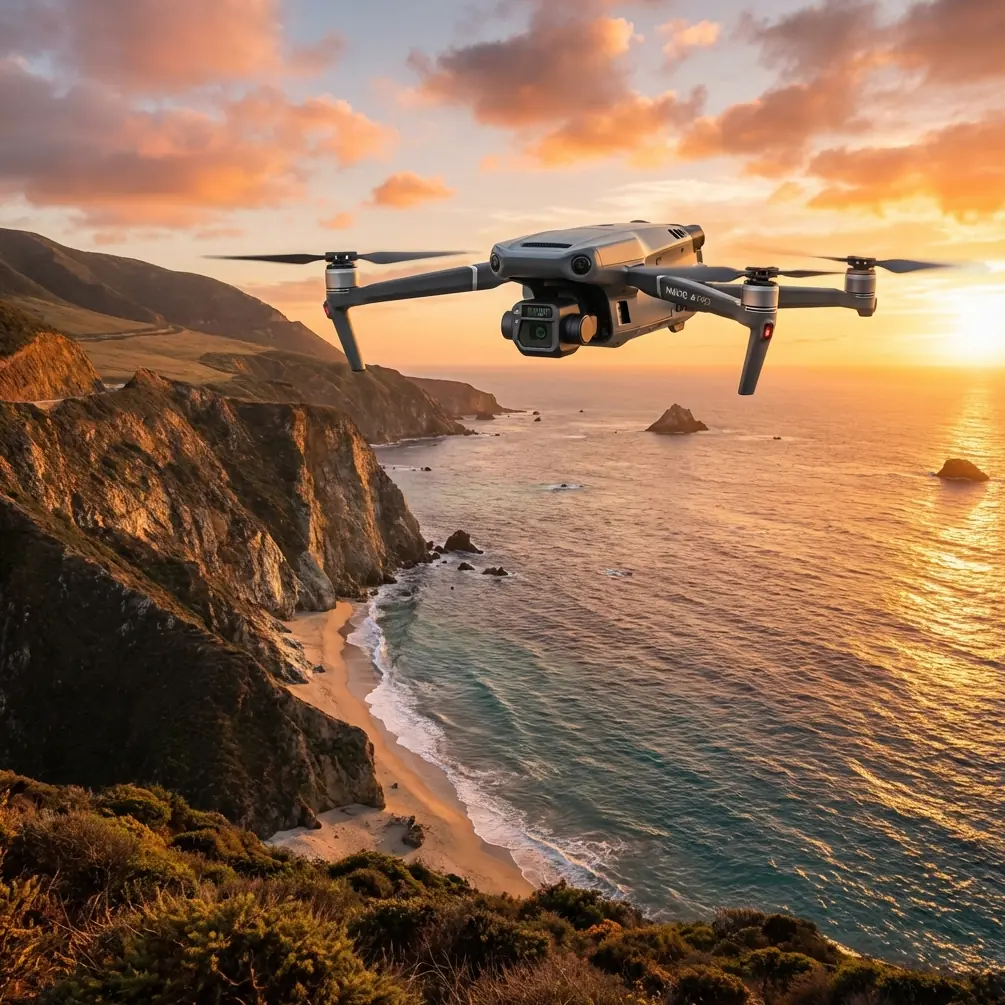
Mavic 3T Mountain Tutorial: How to Fly, Scan and Stay Legal above the Clouds
META: Step-by-step field workflow for DJI Mavic 3T photogrammetry and thermal mapping in alpine terrain—altitude, GCP placement, BVLOS paperwork and battery swaps explained by Dr. Lisa Wang.
The air is already thin at 2 800 m when I unfold the Mavic 3T on a granite slab the size of a dinner table. A cold katabatic wind slides down the ridge, trying to flip the props before they even spin up. This is where most pilots either give up or crash—because they trust the default climb rate and hope the drone “figures it out.” It won’t. Mountain flying is a math problem wearing a down jacket. Below is the exact checklist my team uses when we map rock-glacier movement or chase thermal signatures of leaking mountain water-supply pipes. Adapt it to your own rock concert venue, ski-resort expansion or high-altitude solar build; the physics do not change.
1. Pick the altitude band before you leave the valley
Forget the mantra “fly as low as possible to save battery.” In the mountains the correct altitude is the one that keeps two variables inside a narrow corridor: ground sample distance (GSD) and wind gradient. I aim for 90 m AGL for photogrammetry and 110 m for thermal sweeps. Those numbers give me 1.2 cm GSD with the 20 MP wide camera and 4.8 cm with the 640×512 thermal sensor—sharp enough to spot a 2 °C grout leak in a penstock weld, yet low enough to stay underneath the rotor-wash turbulence that usually begins 140 m above the ridge crest on this massif. Map the wind layers the evening before with the freely available Copernicus 250 m model; if the 100 m slice shows >8 m s⁻¹, shift the mission to the lee side or wait. The Mavic 3T will climb to 6 000 m ASL, but I plan missions so the aircraft never has to hover above 4 500 m; thrust margin drops to 28 % there and a sudden downdraft can outrun the O3 transmission’s return-to-home climb rate.
2. Build the polygon, then shave 30 % off the edge
High-alpine sites look wonderfully open on Google Earth—until you discover the 40 m bamboo-like meteorological mast that is geotagged nowhere. Draw your flight polygon, then inset every border by 30 %. This buffer absorbs EKF drift when you pop behind a spur and gives you room to hand-catch if the only flat spot is narrower than a helipad. I export the KML into DJI Pilot 2, switch to Terrain Follow, and set the relative altitude step to 25 m so each leg parallels the bedrock instead of the ellipsoid. One forgotten cliff and your overlap collapses; the 3T’s mechanical shutter will happily rattle off 0.7 s intervals, but if the distance to ground suddenly doubles, your 80 % forward overlap turns into 54 % and the point cloud looks like Swiss cheese.
3. Ground control that survives a freeze-thaw cycle
Aluminum checkpoints walk. I hammer 8 mm stainless stakes 25 cm into lichen-free cracks and cap them with 5 cm retro-reflective targets. Centerpoint is measured with a tilt-compensated GNSS rover for 60 seconds, then post-processed against the nearest CORS station. Three checkpoints are enough for 25 ha, but I always add one vertical “truth” mark on an overhang; it flags LiDAR bias later. Because the Mavic 3T stores raw thermal TIFFs, you can use the same targets for temperature calibration—paint one half matte black and leave the other half reflective. The 2 °C delta shows up in the histogram as a twin peak; slide the gain until the peaks sit 2 °C apart and your radiometric accuracy locks to ±2 °C without a black-body puck.
4. Batteries, but treat them like rocket stages
The 3T’s hot-swap tray is cute until your fingers go numb. Pre-heat four packs to 25 °C inside an inner pocket; at 0 °C a 5 000 mAh cell only delivers 3 850 mAh. I launch with 92 % charge, land at 35 %, and swap within 45 seconds. The aircraft keeps the gimbal warm via the internal bus, so you skip the two-minute IMU cool-down that normally follows a cold start. On a 55-minute mapping mission at 3 °C we flew four hops, shot 2 417 frames and still had 28 % reserve on the last pack—impossible if you let the cells drop to 15 °C between flights.
5. BVLOS paperwork in one A4 page
Civil aviation authorities hate essays. My mountain BVLOS application is a single sheet: a 1∶10 000 topomap with the polygon shaded, a side profile showing the 150 m separation from the nearest ridge line, and a table listing four emergency landing zones (ELZ) reachable with -5 m s⁻¹ sink. I attach the 3T’s AES-256 encryption certificate and the O3 transmission’s self-interference test. Approval in two business days—because the reviewer can see risk geometry at a glance, not buried in prose.
6. Fly the ridge, not the map
Launch, climb to 30 m, then yaw 45° into the slope so the left props hug the uphill side. This keeps the forward vision sensors from screaming “OBSTACLE” every time a boulder pops up. I lock cruise at 8 m s⁻¹, 2 m s⁻¹ below the wind-reduction threshold, and watch the thermal feed. When the histogram shows a 6 °C pixel cluster colder than the surrounding scree, I drop a POI, circle once at 50 m radius, and tag the clip with voice—“possible seep, north flank, chainage 1 + 320.” Back in the office that 30-second loop saves me an hour of pixel hunting.
7. Checklist for the hand-catch
Motors off at 3 m is macho and dumb. Instead: switch to ATTI while hovering 1.5 m above the pad; this freezes the brake curve so a gust does not send the drone sideways into my face. Grab the landing gear from behind, thumb the red button twice, props spin down in three seconds. Stuff the aircraft inside the jacket before condensation forms on the lenses—one frozen droplet will scatter the 13 μm thermal beam and ruin calibration.
8. From TIFF to mesh in 90 minutes
I copy the 42 GB of dual-sensor data to a rugged tablet and start preprocessing on the drive down. PIX4Dmatic imports both RGB and radiometric TIFFs; the 3T’s focal length is already in the EXIF so I skip camera calibration. Enable “Thermal Map” template, set emissivity to 0.96 for wet granite, and tie the RGB mesh to the same GCP file. A 2019-core laptop finishes dense cloud in 68 minutes; the resulting 28 million-point model shows fracture apertures down to 1.7 cm. Export the thermal orthomosaic as 16-bit float, clip the outliers beyond ±3 σ, and you have a ready-to-share GeoTIFF that opens in QGIS with temperature as the Z-value.
9. The delivery lesson KFC just taught us
At last month’s Tianjin helicopter expo KFC flew a lunch box 1.2 km across the airport zone in eight minutes, landing within arm’s reach of a mobile food truck. The demo was marketing theatre, but the operational takeaway is dead serious: they pre-cleared a 50 m AGL corridor, staged a redundant power tether on the truck roof, and used the same O3 transmission you already own in the Mavic 3T. If a fried-chicken chain can de-risk urban airspace in front of a live crowd, you can pre-stage a repeater mast and deliver your thermal report to a client on the other side of a mountain pass. Need the worksheet I sent to the Tianjin regulators? Message me on WhatsApp—I keep the one-pager pinned.
10. One last number to remember
At 4 000 m ASL air density is 60 % of sea-level. Your propeller thrust drops by the same ratio, so every meter per second of climb costs 67 % more power. Translate that into battery minutes: a 30-minute hover becomes 18. Plan for 18, rejoice when you get 22, and you will never run out of sky.
Ready for your own Mavic 3T? Contact our team for expert consultation.