
How to Capture Urban Wildlife Using Mavic 3T
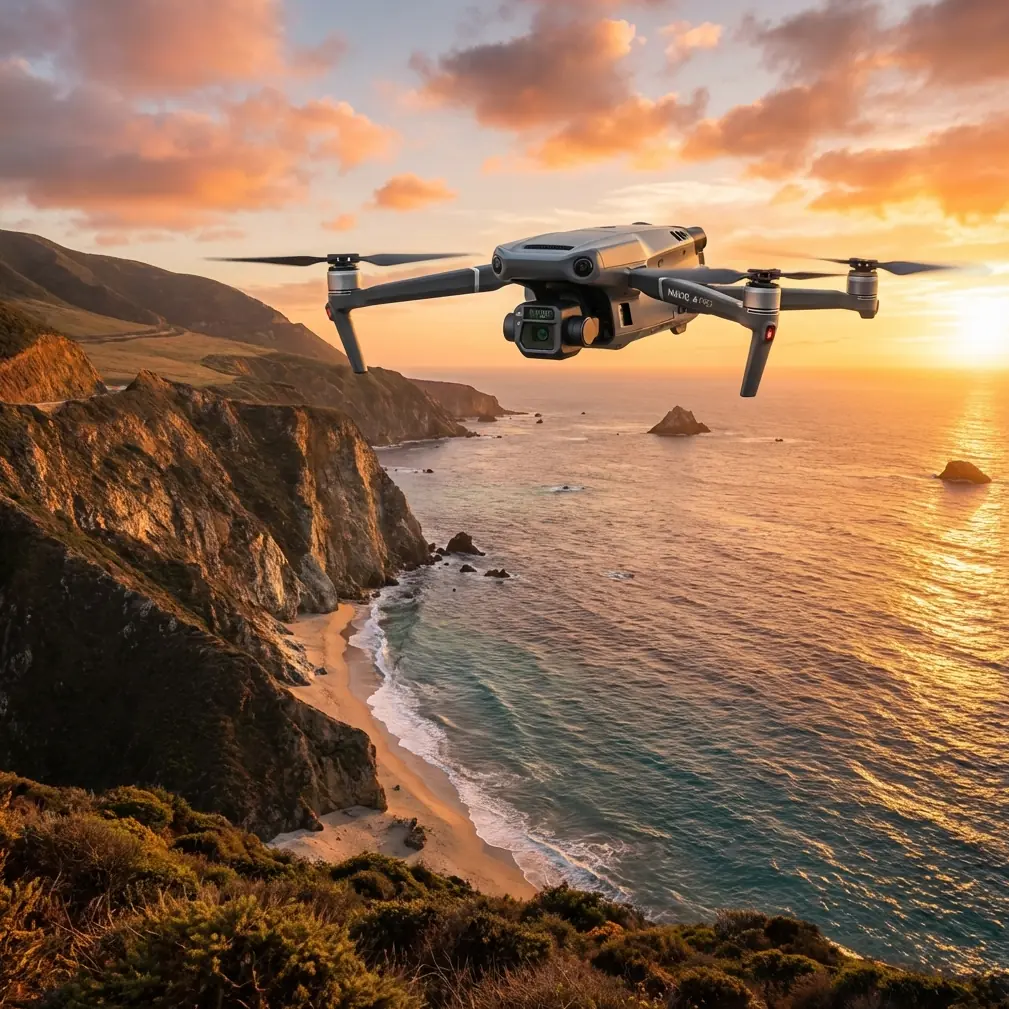
How to Capture Urban Wildlife Using Mavic 3T
META: Master urban wildlife documentation with the Mavic 3T's thermal imaging and zoom capabilities. Expert techniques for tracking nocturnal animals in city environments.
TL;DR
- Thermal signature detection identifies hidden wildlife through vegetation, walls, and darkness with 640×512 resolution at up to 30 Hz refresh rate
- The 56× hybrid zoom enables non-invasive observation from 200+ meters without disturbing animal behavior
- O3 transmission maintains stable 15km video feed for tracking mobile species across urban landscapes
- 45-minute flight time covers extensive survey areas in single missions, reducing wildlife disturbance frequency
Urban wildlife documentation presents unique challenges that traditional observation methods simply cannot address. The Mavic 3T combines thermal imaging, mechanical zoom, and enterprise-grade transmission to revolutionize how researchers, conservationists, and municipal wildlife managers track animals in city environments.
This guide breaks down exactly how to configure your Mavic 3T for urban wildlife surveys, from optimal thermal settings to flight patterns that maximize detection while minimizing animal stress.
Why Urban Wildlife Monitoring Demands Specialized Drone Technology
Cities harbor surprisingly diverse ecosystems. Foxes navigate subway systems. Coyotes establish territories in parking structures. Raptors nest on skyscrapers. Documenting these populations requires equipment that operates effectively in challenging conditions—low light, thermal interference from buildings, and electromagnetic noise from urban infrastructure.
Traditional wildlife cameras capture only fixed locations. Ground surveys disturb animals and miss nocturnal activity. Helicopters create noise pollution that alters behavior patterns for days.
The Mavic 3T addresses each limitation through integrated thermal and visual sensors, quiet operation at 40 dB from survey altitude, and intelligent flight modes designed for systematic coverage.
Understanding the Mavic 3T's Thermal Imaging Advantage
Thermal Signature Detection Fundamentals
The Mavic 3T's thermal camera captures 640×512 resolution imagery—significantly higher than consumer-grade thermal drones offering only 160×120 pixels. This resolution difference matters enormously for wildlife work.
A fox at 150 meters appears as a distinct, identifiable shape on the Mavic 3T's thermal display. On lower-resolution systems, that same fox becomes an ambiguous heat blob indistinguishable from a discarded fast-food bag or warm exhaust vent.
Expert Insight: Set your thermal palette to "White Hot" for urban wildlife surveys. Building surfaces create complex thermal backgrounds, and white-hot mode provides maximum contrast between warm-blooded animals and cooler environmental features. Reserve "Ironbow" and color palettes for post-processing when you need to analyze temperature gradients.
Comparing Thermal Performance Against Competitors
The enterprise thermal drone market offers several options, but specifications reveal significant capability gaps:
| Feature | Mavic 3T | Autel EVO II Dual 640T | Parrot Anafi Thermal |
|---|---|---|---|
| Thermal Resolution | 640×512 | 640×512 | 160×120 |
| Thermal Refresh Rate | 30 Hz | 30 Hz | 9 Hz |
| Optical Zoom | 56× Hybrid | 32× Digital | 3× Digital |
| Flight Time | 45 minutes | 42 minutes | 26 minutes |
| Transmission Range | 15 km (O3) | 9 km | 4 km |
| Weight | 920g | 1191g | 315g |
The Mavic 3T's combination of high thermal resolution, extended zoom, and superior transmission range creates a capability profile unmatched for urban wildlife applications. The 56× hybrid zoom deserves particular attention—it enables identification of species, sex, and even individual animals from distances that prevent any behavioral disturbance.
Configuring Your Mavic 3T for Urban Wildlife Surveys
Pre-Flight Settings Optimization
Before launching, configure these critical parameters:
- Thermal gain mode: Set to "High Gain" for detecting smaller mammals and birds; switch to "Low Gain" only when surveying large ungulates or when ambient temperatures exceed 35°C
- Isotherm settings: Configure upper threshold at 38°C and lower at 28°C to highlight mammalian body temperatures while filtering building heat signatures
- Recording format: Enable simultaneous thermal and visual recording in H.265 codec to maximize storage efficiency during extended surveys
- Gimbal pitch speed: Reduce to 15°/second for smooth tracking of moving animals
- Return-to-home altitude: Set 20 meters above the tallest structure in your survey area to prevent collision during automated returns
Establishing Ground Control Points for Photogrammetry
Systematic wildlife surveys require precise location data. Deploying GCP markers before flights enables accurate photogrammetry that maps animal locations to within 2-3 centimeters of true position.
For urban environments, place GCPs on:
- Rooftop corners visible from survey altitude
- Parking lot intersections
- Park pathway junctions
- Any flat, unobstructed surface with clear thermal contrast
Pro Tip: Use aluminum foil squares (30×30 cm) as temporary GCPs for thermal surveys. The foil reflects sky temperature, appearing distinctly cold against warmer urban surfaces. This creates unmistakable reference points in thermal imagery without requiring permanent installations.
Flight Patterns for Maximum Wildlife Detection
The Grid Survey Method
Systematic grid patterns ensure complete coverage without gaps or excessive overlap. Configure your flight planning software with these parameters:
- Altitude: 80-120 meters AGL balances thermal resolution against coverage area
- Speed: 5-7 m/s allows thermal sensor adequate dwell time per frame
- Overlap: 70% front, 60% side enables post-processing stitching and 3D modeling
- Gimbal angle: -60° to -75° captures both ground-level and elevated wildlife positions
Tracking Mobile Species
Urban predators—coyotes, foxes, large raptors—move continuously through their territories. The Mavic 3T's O3 transmission system maintains 1080p/30fps video feed at distances exceeding 10 kilometers in urban environments with significant electromagnetic interference.
When tracking mobile animals:
- Establish initial contact using thermal scanning at 100+ meters altitude
- Descend to 60-80 meters for species identification using optical zoom
- Maintain 150+ meter horizontal distance to prevent behavioral modification
- Use ActiveTrack mode only for animals already habituated to drone presence
- Record continuous footage rather than photographs for behavioral analysis
Data Security and Compliance Considerations
Urban wildlife surveys often occur near sensitive infrastructure—airports, government buildings, private property. The Mavic 3T's AES-256 encryption protects all transmitted data from interception, addressing security concerns that might otherwise prevent survey authorization.
Additionally, enable Local Data Mode when operating near facilities requiring enhanced data protection. This mode prevents any network connectivity while maintaining full aircraft functionality.
BVLOS Operations for Extended Surveys
Beyond Visual Line of Sight operations dramatically expand survey capabilities but require specific authorizations and equipment configurations.
The Mavic 3T supports BVLOS through:
- ADS-B receiver integration for manned aircraft awareness
- O3 transmission reliability at extended ranges
- Redundant GPS systems preventing position loss
- Automated return-to-home triggers on signal degradation
Work with your aviation authority to obtain appropriate waivers before conducting BVLOS wildlife surveys.
Common Mistakes to Avoid
Flying during thermal transition periods: The hour after sunrise and before sunset creates rapidly changing thermal backgrounds that mask animal signatures. Schedule surveys for 2+ hours after sunrise or full darkness for optimal thermal contrast.
Ignoring wind effects on thermal imagery: Wind cools exposed surfaces unevenly, creating false thermal signatures. Survey during calm conditions (<15 km/h winds) whenever possible.
Neglecting hot-swap batteries for extended surveys: The Mavic 3T's hot-swap batteries enable continuous operation without powering down. Failing to utilize this feature wastes critical survey time during optimal detection windows.
Over-relying on automated detection: Current AI detection systems miss 15-25% of wildlife visible in thermal footage. Always conduct manual review of recorded thermal data.
Approaching too quickly during initial detection: Sudden drone movement triggers flight responses even in habituated urban wildlife. Reduce approach speed to 2 m/s when closing distance on detected animals.
Post-Processing Urban Wildlife Thermal Data
Species Identification Techniques
Thermal imagery alone rarely enables definitive species identification. The Mavic 3T's split-screen mode displaying simultaneous thermal and 48MP visual imagery solves this limitation.
During post-processing:
- Correlate thermal detections with visual frames captured at identical timestamps
- Use the 56× zoom recordings for morphological identification
- Measure thermal signatures against known species profiles
- Document behavioral patterns that confirm species identification
Building Detection Databases
Systematic surveys generate massive datasets. Organize recordings by:
- Date and time of capture
- GPS coordinates of detection
- Species identification confidence level
- Behavioral observations
- Environmental conditions
This structured approach enables longitudinal population studies and habitat use analysis.
Frequently Asked Questions
What thermal settings work best for detecting small mammals like rats and squirrels?
Small mammals require maximum thermal sensitivity. Set gain to "High," reduce altitude to 40-60 meters, and slow flight speed to 3-4 m/s. The 640×512 thermal resolution can detect animals as small as 200 grams under optimal conditions, but smaller targets require closer observation distances.
How do I prevent building heat signatures from overwhelming wildlife detections?
Use the isotherm function to filter temperatures outside the 28-40°C mammalian range. Additionally, survey during cooler periods when building surfaces have equilibrated with ambient temperature—typically 3+ hours after sunset in summer months.
Can the Mavic 3T operate effectively in rain or fog for wildlife surveys?
Light rain and fog minimally impact thermal detection since infrared radiation penetrates moisture better than visible light. However, water droplets on the thermal lens severely degrade image quality. The Mavic 3T's IP45 rating protects against light precipitation, but wipe the thermal lens immediately after landing in wet conditions.
Urban wildlife documentation has entered a new era of precision and capability. The Mavic 3T's integration of high-resolution thermal imaging, extreme optical zoom, and enterprise-grade transmission creates unprecedented opportunities for understanding how animals adapt to city environments.
Ready for your own Mavic 3T? Contact our team for expert consultation.