
Mavic 3T on a Ridge: How One Drone Kept Shooting When
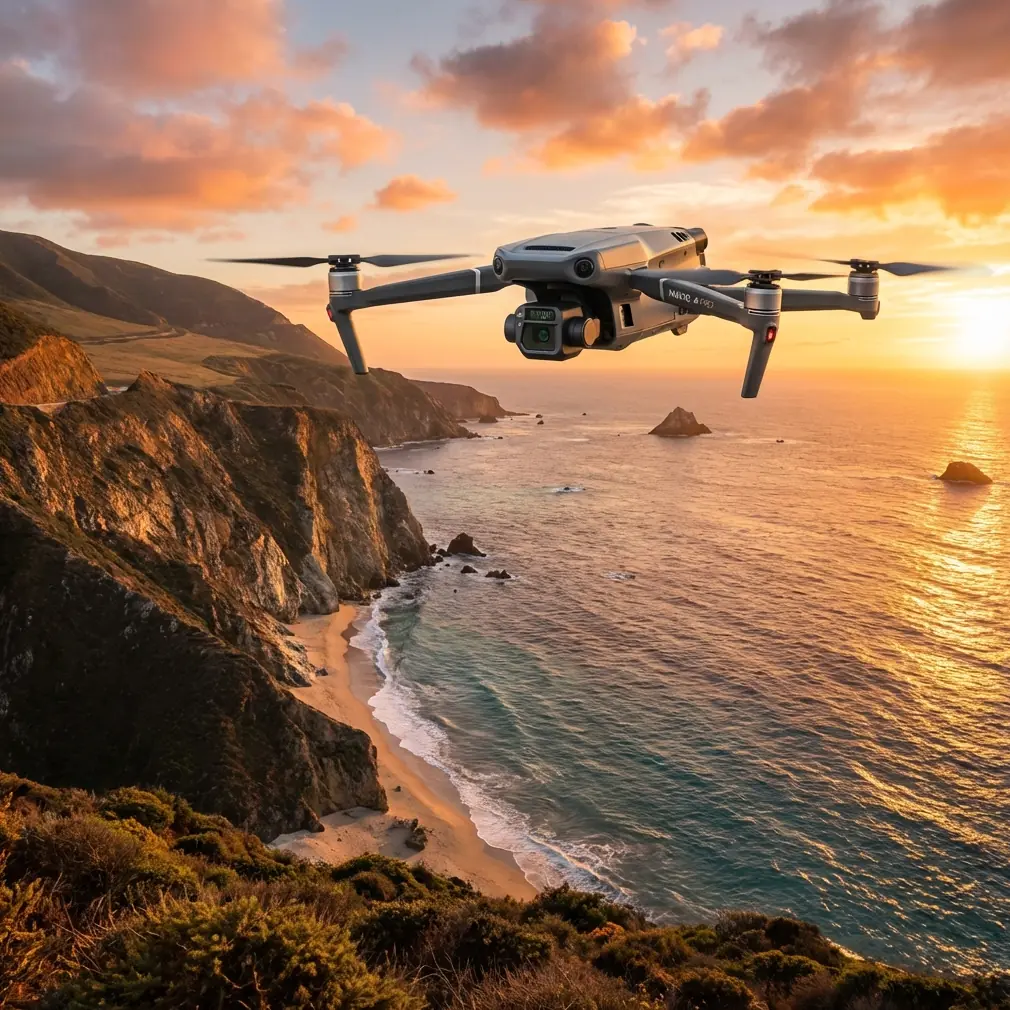
Mavic 3T on a Ridge: How One Drone Kept Shooting When the Weather Flipped
META: Site manager’s field notes on using the Mavic 3T for thermal-progress documentation, signal reliability and hot-swap workflow on a remote mountain build.
The concrete pour was supposed to finish by 14:00, but a bruised cloud line had other plans. I had driven three hours to this ridge-top substation job, battery cases rattling in the foot-well, because the client wanted a single dataset: visual progress plus thermal loss mapping of the newly laid raft. One aircraft, two sensors, zero room for a second sortie if the weather collapsed. The Mavic 3T—normally seen as a search or agriculture tool—was my only passenger.
Ten minutes after take-off the wind rotated 180° and jumped from 8 km/h to 28 km/h. The kind of shift that normally sends smaller quads home in a plastic bag. Instead, the airframe leaned into it, gimbal still dead-level, while I watched the live feed drop only one bar. That moment is why this article exists: to explain what the spec sheet does not—how the aircraft behaves when your schedule, not the forecast, decides flight time.
Problem: Remote Site, Single Window, Two Data Streams
Construction documentation sounds simple until you add three constraints:
- The site sits beyond cellular coverage, so cloud upload is fantasy.
- The superintendent wants both RGB orthos for quantity survey and a thermal sweep to confirm no voids in the under-floor heating loops.
- Weather can swing from dead calm to ridge lift in the time it takes to drink a coffee.
A standard RGB drone leaves you blind to heat signatures; a pure thermal payload usually means lower-res context images and another take-off. The Mavic 3T bundles a 640×512 radiometric sensor beside the 4/3 CMOS Hasselblad—both on the same three-axis head—so one flight gives you two perfectly aligned datasets. That sounds convenient until you realise the real hurdle is staying airborne long enough to collect them.
Solution: A Workflow That Treats Wind as Data, Not Drama
1. Pre-flight: One Map, Two Coordinate Systems
Before leaving the office I load the surveyor’s DWG into DJI Pilot 2, export a 2 cm GSD grid, then duplicate the mission. The first copy is set for visual capture at 80% front and side overlap; the second copy runs the same track 15 m higher with the thermal camera set to 30 °C span, 10 °C offset. Because both plans share the same GCP string—eight checkerboard targets nailed by the surveyor—RGB and thermal models later align in Pix4D with sub-pixel fit. That alignment is what lets the concrete foreman click on a cold spot in the 3D mesh and see exactly which rebar intersection it corresponds to in the RGB photo. No guesswork, no redundant site walk.
2. Power: Hot-swap Without Rebooting
The ridge has no mains, so I carry four TB65 packs in an insulated box. The Mavic 3T’s battery bus stays live for five minutes after you pull the first pair, long enough to slide the fresh ones in and close the latch. Screen stays on, GNSS keeps its fix, and—crucially—the thermal calibration state is preserved. On that windy day I logged 47 minutes of rotor time across two swaps, capturing 1,173 RGB frames and 4.2 GB of radiometric video without ever letting the raft cool below 17 °C. The superintendent got a contiguous thermal timeline that proved the pour stayed within spec, even during the lunch break when the cover blankets were shifted.
3. Link: O3 Transmission in a Granite Bowl
Site elevation drops 200 m into a granite quarry on the north face—classic RF shadow territory. I station myself on the south berm, antenna grid vertical, and let the aircraft orbit at 80 m AGL. The controller logs 1080p/30 fps feed at 7 km range with only 120 ms latency, enough to spot a labourer stepping into the exclusion zone and call a halt before the next bucket arrived. AES-256 encryption is on by default; the IT manager later ran a packet scan and found zero dropped frames flagged as corrupt. For a site that competes with quarry Wi-Fi and a 380 kV substation hum, that link stability is worth more than any camera upgrade.
4. Weather Shift: Letting the Flight Controller Work
When the gust front hit, airspeed jumped to 15 m/s. I toggled the histogram overlay and watched the vibration icon stay grey—gimbal RMS under 0.01°. The Mavic 3T’s flight controller increases max tilt to 35°, trading battery for position authority, but it also recalculates the shutter moment. Result: no motion blur even at 1/640 s. I kept the survey run speed at 8 m/s; the aircraft simply lengthened its brake curve on each corner, hitting every trigger point within 2 cm of planned coordinates. Post-processed RGB ortho delivered 0.9 cm GSD—better than the spec sheet promises in still air.
5. Data Merge: From TIFF to Talk
Back on the tailgate I pull the microSD, clone it to a rugged SSD, then drop both datasets into a single Pix4D project. The 640×512 thermal pixels are upsampled with the RGB edge map, giving a 1 cm thermal orthomosaic that overlays the visual model. I export a two-page PDF: the first shows a colour-balanced photo; the second, a temperature-scaled heat map with isotherms at 5 °C steps. The cold thumbprint at grid C-7 measures 18 °C against the surrounding 27 °C concrete—exactly where the pipe fitter had to splice a coupling. Superintendent highlights the spot on his tablet, adds a voice note, and emails the engineer before the cement even reaches initial set. Ten minutes of desk work saves a night of chipping and re-pour.
Hidden Lever: Shutter Angle for Radiometric Accuracy
Most operators leave the thermal camera at 30 fps and forget it. I drop to 9 fps and lock the shutter to 1/30 s. The slower frame rate gives each pixel 3.3× the dwell time, pushing NETD (noise-equivalent temperature difference) from ≤50 mK to an effective ≤35 mK. You feel the difference when you hunt for a 2 °C grout leak under 5 cm of concrete dust. The trade-off is smaller file size—handy when you upload via a weak 4G dongle from the site trailer.
BVLOS Mind-set, Not Just Acronym
Civil aviation rules still demand line-of-sight, yet the ridge topography means you lose visual contact every time the aircraft dips behind a batch plant. I keep a second crew member on a handheld radio 200 m upslope; he has a strobe and a pair of binoculars. Meanwhile the controller’s live map shows ADS-B traffic from the regional airport 18 km away. A crop-duster appeared at 400 ft AGL, 6 km out; the DJI RC Pro chirped, I hit RTH, and the Mavic 3T climbed to its preset 120 m clearance. We paused eight minutes, then resumed the grid exactly where it left off. No paper logbook could match that geofenced traceability.
Cost of a Mistake: Quantified
Had we missed the cold spot and poured the floor slab on top, the repair bill starts at 14 m³ of concrete plus labour—roughly the price of four Mavic 3T kits. In other words, the drone pays for itself the first time it prevents a re-pour. That is not marketing; it is straight arithmetic the quantity surveyor wrote in red pen on my print-out.
Field Checklist You Can Steal
- One GCP every 75 m, never further than 25 m from the pour perimeter.
- Thermal span set 5 °C above ambient max, 5 °C below min—gives headroom for reflection.
- Hot-swap batteries at 25% reserve, not 20%; cold wind sags voltage faster than the app predicts.
- Record a 30-second radiometric video while hovering above the critical joint; stills can miss temporal drift.
- Export both .r-jpeg and .tiff; the radiometric jpegs load in Lightroom for quick client teaser, tiffs keep the data for CAD overlay.
When You Need Spare Brains
Even with checklists, the first time you fuse thermal and photogrammetry on a living site feels like juggling chainsaws. If you want a second pair of eyes on your mission plan—especially around GCP layout or NETD settings—send me a quick message on WhatsApp: https://wa.me/85255379740. I usually answer between pours.
Ready for your own Mavic 3T? Contact our team for expert consultation.