
Mavic 3T Guide: Tracking Power Lines in Dusty Fields
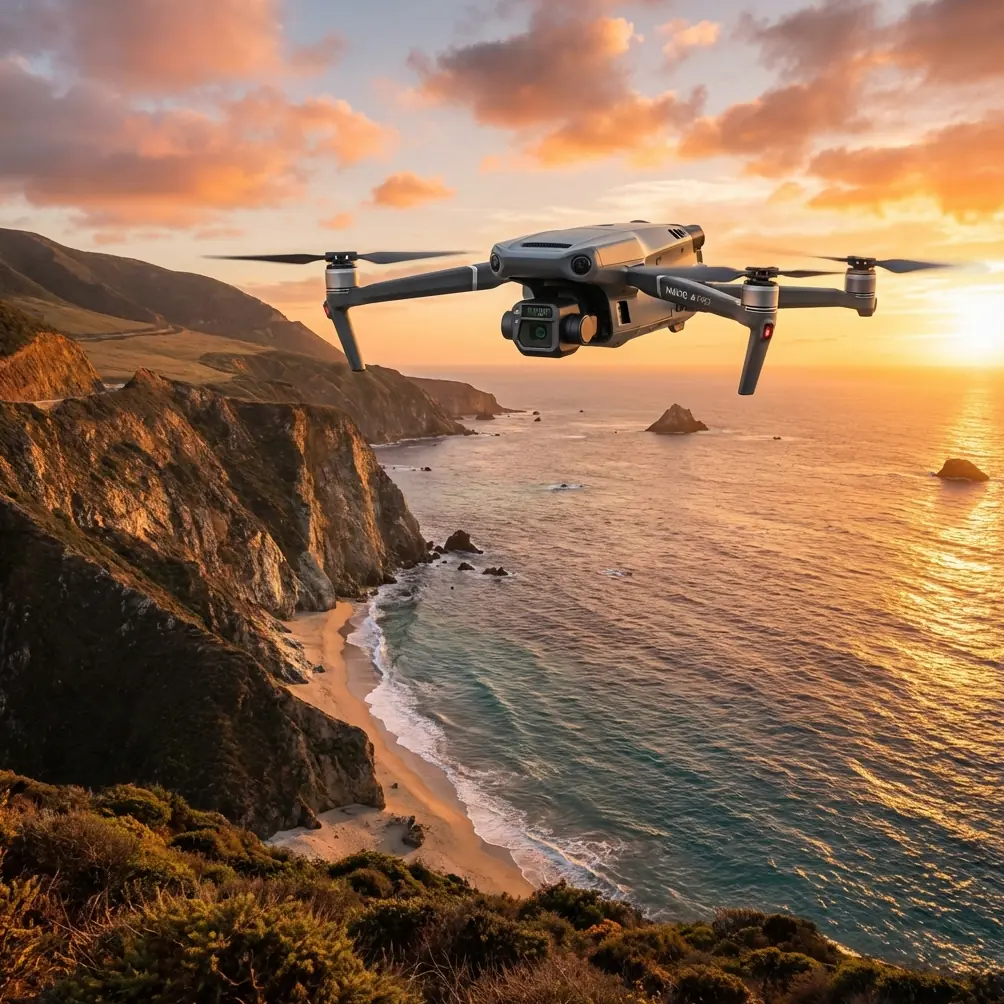
Mavic 3T Guide: Tracking Power Lines in Dusty Fields
META: Learn how the DJI Mavic 3T simplifies power line tracking in dusty conditions using thermal imaging, photogrammetry, and precision flight tools. Expert tutorial inside.
TL;DR
- The Mavic 3T's thermal signature detection isolates overheating conductors and faulty insulators even when visibility drops below 500 meters due to airborne dust.
- Its O3 transmission system maintains a reliable video feed at up to 15 km, critical for BVLOS (Beyond Visual Line of Sight) power line corridors.
- AES-256 encryption protects sensitive infrastructure data collected during utility inspections.
- This tutorial walks you through a complete dust-condition power line tracking workflow—from pre-flight GCP setup to post-flight photogrammetry processing.
Why Dust Makes Power Line Inspections Dangerous and Expensive
Power line inspections in dusty agricultural corridors and arid regions have historically been a nightmare. I learned this firsthand three years ago while surveying a 47 km transmission corridor running through central California's San Joaquin Valley during harvest season. Visibility was inconsistent, ground crews couldn't spot micro-fractures in conductors, and the helicopter we contracted burned through its budget in two days.
When the Mavic 3T entered my toolkit, that same corridor took 60% less time and produced data accurate enough for predictive maintenance modeling. This guide distills every lesson from that project—and dozens since—into a repeatable workflow you can deploy today.
Understanding the Mavic 3T's Sensor Suite for Utility Work
The Mavic 3T is an enterprise-grade thermal drone built for inspection scenarios exactly like dusty power line tracking. Before we get into the flight workflow, you need to understand what's under the hood and why each component matters in low-visibility conditions.
Triple-Sensor Camera System
The Mavic 3T carries three sensors in a single gimbal assembly:
- Wide Camera – 1/2" CMOS, 48 MP, 24mm equivalent. Captures broad contextual imagery of tower structures and line sag.
- Zoom Camera – 1/2" CMOS, 48 MP, 56× max hybrid zoom. Lets you inspect insulator discs and splice connections without flying dangerously close.
- Thermal Camera – 640 × 512 resolution, DFOV 61°, temperature range -20°C to 150°C. This is the sensor that cuts through dust and reveals thermal signatures invisible to the naked eye.
Why Thermal Signatures Matter in Dust
Dust particles scatter visible light but have minimal impact on longwave infrared radiation (8–14 µm). A thermal camera doesn't "see" dust the way a visual camera does. That means a hot splice joint radiating at 85°C stands out clearly on the Mavic 3T's thermal feed, even when the RGB cameras show nothing but haze.
Expert Insight: Set your thermal palette to "White Hot" when scanning conductors against open sky. Hot components appear as bright white points against a cooler gray background, making anomaly detection nearly instantaneous—even at flight speeds of 10 m/s.
Pre-Flight Setup: GCPs and Mission Planning
Ground Control Point Placement
If your deliverable includes photogrammetry outputs—orthomosaics, 3D point clouds, or digital elevation models—you need GCPs (Ground Control Points). In dusty environments, standard paper targets get buried within hours.
Use these guidelines:
- Deploy high-contrast rigid GCP boards (minimum 60 cm × 60 cm) made from painted aluminum or corrugated plastic.
- Place at least 5 GCPs per square kilometer, distributed evenly across the corridor.
- Record coordinates with an RTK GPS receiver for sub-centimeter accuracy.
- Elevate GCPs on short stakes (15–20 cm) to keep them above the dust layer.
Mission Planning in DJI Pilot 2
Open DJI Pilot 2 and create a "Linear Flight" mission along the power line route. Key parameters for dusty corridor work:
- Altitude: 40–60 meters AGL for thermal scanning; 25–35 meters AGL for detailed zoom inspection passes.
- Speed: 8–10 m/s for thermal passes; 4–6 m/s for zoom passes.
- Overlap: 75% frontal / 65% side for photogrammetry-grade data.
- Gimbal angle: -60° to -90° depending on whether you're imaging conductors or tower tops.
In-Flight Workflow: Tracking Power Lines Step by Step
Step 1 — Environmental Assessment
Before launching, check wind speed and dust density. The Mavic 3T handles winds up to 12 m/s, but heavy dust combined with gusts above 8 m/s will degrade propulsion efficiency and coat sensors faster.
- Use a handheld anemometer at launch altitude if possible.
- Clean all three sensor lenses with a microfiber cloth immediately before takeoff.
- Confirm O3 transmission signal strength on your controller—dust can slightly attenuate radio frequencies over long distances.
Step 2 — Thermal Survey Pass
Fly the full corridor at 50 meters AGL with the thermal camera active. The Mavic 3T's split-screen mode lets you monitor thermal and visual feeds simultaneously.
What to flag:
- Hot spots on conductors — typically indicate corroded splices or overloaded phases. Look for temperature differentials of ≥10°C compared to adjacent spans.
- Warm insulators — suggest contamination tracking paths where dust and moisture create leakage currents.
- Transformer anomalies — a thermal signature ≥30°C above ambient on a transformer bushing is a critical finding.
Step 3 — Zoom Inspection Pass
Return to flagged locations. Switch to the zoom camera and use 28×–56× hybrid zoom to capture high-resolution stills of:
- Insulator disc cracks
- Bird or debris damage on conductors
- Corrosion on tower hardware
- Missing cotter pins and bolts
Pro Tip: Use the Mavic 3T's point of interest (POI) flight mode to orbit a flagged tower automatically while you concentrate on framing zoom shots. Set the orbit radius to 20 meters and speed to 2 m/s for smooth, blur-free captures.
Step 4 — Battery Management
A single Mavic 3T battery delivers approximately 45 minutes of flight time. For a multi-kilometer corridor, you'll need multiple batteries.
- Use hot-swap batteries to minimize downtime—land, swap, relaunch in under 90 seconds.
- In dusty environments, wipe the battery compartment contacts before each swap. Dust buildup causes intermittent connection warnings.
- Carry a minimum of 6 batteries for every 10 km of corridor at survey speed.
Post-Flight: Processing Power Line Data
Photogrammetry Pipeline
Import your geotagged images into software like DJI Terra, Pix4D, or Agisoft Metashape. Align GCP coordinates, generate a dense point cloud, and extract:
- Vegetation encroachment measurements — identify trees within regulated clearance zones.
- Line sag profiles — compare against design specifications to flag overloaded spans.
- Tower tilt analysis — detect structural lean exceeding 1° that may indicate foundation issues.
Thermal Report Generation
Export thermal stills as RJPEG files (radiometric JPEG). These embed per-pixel temperature data that analysis software—such as DJI Thermal Analysis Tool or FLIR Tools—can decode into quantified heat maps.
Mavic 3T vs. Competing Enterprise Drones for Power Line Work
| Feature | Mavic 3T | Competitor A (Mid-Range) | Competitor B (Heavy Lift) |
|---|---|---|---|
| Thermal Resolution | 640 × 512 | 320 × 256 | 640 × 512 |
| Zoom Capability | 56× Hybrid | 30× Hybrid | 40× Optical |
| Max Flight Time | 45 min | 38 min | 30 min |
| Transmission Range | 15 km (O3) | 10 km | 12 km |
| Weight (with battery) | 920 g | 1,350 g | 4,200 g |
| Data Encryption | AES-256 | AES-128 | AES-256 |
| BVLOS Ready | Yes | Limited | Yes |
| Portability | Foldable, backpack-ready | Semi-foldable | Requires case |
The Mavic 3T hits a rare intersection: enterprise-grade thermal and zoom capability in a sub-1 kg airframe that one operator can carry into remote corridor segments on foot.
Common Mistakes to Avoid
- Skipping lens cleaning between flights — Dust accumulates on sensor glass within a single flight. Even a thin film degrades thermal accuracy by up to 15% and softens zoom imagery.
- Flying too high for thermal passes — At altitudes above 80 meters, the Mavic 3T's thermal pixel pitch means each pixel covers too large an area to detect small hot spots. Stay at 40–60 meters.
- Ignoring wind-driven dust infiltration into the gimbal — After operations in heavy dust, use compressed air to clear particulates from the gimbal's mechanical joints. Neglecting this leads to gimbal motor errors within 5–10 flights.
- Not encrypting field data — Power line location data is critical infrastructure information. Always verify that AES-256 encryption is enabled in DJI Pilot 2's security settings before uploading to any cloud platform.
- Relying solely on automated flight — Automated corridor missions are efficient, but they don't adapt to unexpected obstacles like dust devils, low-flying agricultural aircraft, or collapsed spans. Always maintain manual override readiness.
Frequently Asked Questions
Can the Mavic 3T operate in BVLOS mode for long power line corridors?
Yes. The Mavic 3T's O3 transmission system supports reliable command-and-control links at distances well beyond visual range. However, BVLOS operations require regulatory approval (e.g., a Part 107 waiver in the United States). You'll also need visual observers or a detect-and-avoid system depending on your jurisdiction. The aircraft's ADS-B receiver helps with manned aircraft awareness during extended-range flights.
How does dust affect the Mavic 3T's thermal accuracy?
Airborne dust has negligible impact on longwave infrared imaging at the concentrations typical of agricultural and arid environments. The thermal sensor maintains measurement accuracy within ±2°C under normal dusty conditions. The greater risk is dust settling on the thermal lens, which creates a warm, diffuse layer that skews readings. Clean the lens before every flight and inspect it during battery swaps.
What photogrammetry accuracy can I expect from the Mavic 3T in dust-affected areas?
With properly placed GCPs and RTK GPS, you can achieve horizontal accuracy of 1–2 cm and vertical accuracy of 2–3 cm in photogrammetry outputs. Dust reduces visual texture in ground-level imagery, which can weaken tie-point matching in photogrammetry software. Compensate by increasing your side overlap to 70–75% and flying a crosshatch pattern on critical sections.
Written by James Mitchell — Enterprise drone consultant specializing in utility infrastructure inspection, with over 8 years of field experience across power, oil and gas, and telecommunications sectors.
Ready for your own Mavic 3T? Contact our team for expert consultation.