
Mavic 3T for Urban Wildlife Tracking: A Field Tutorial
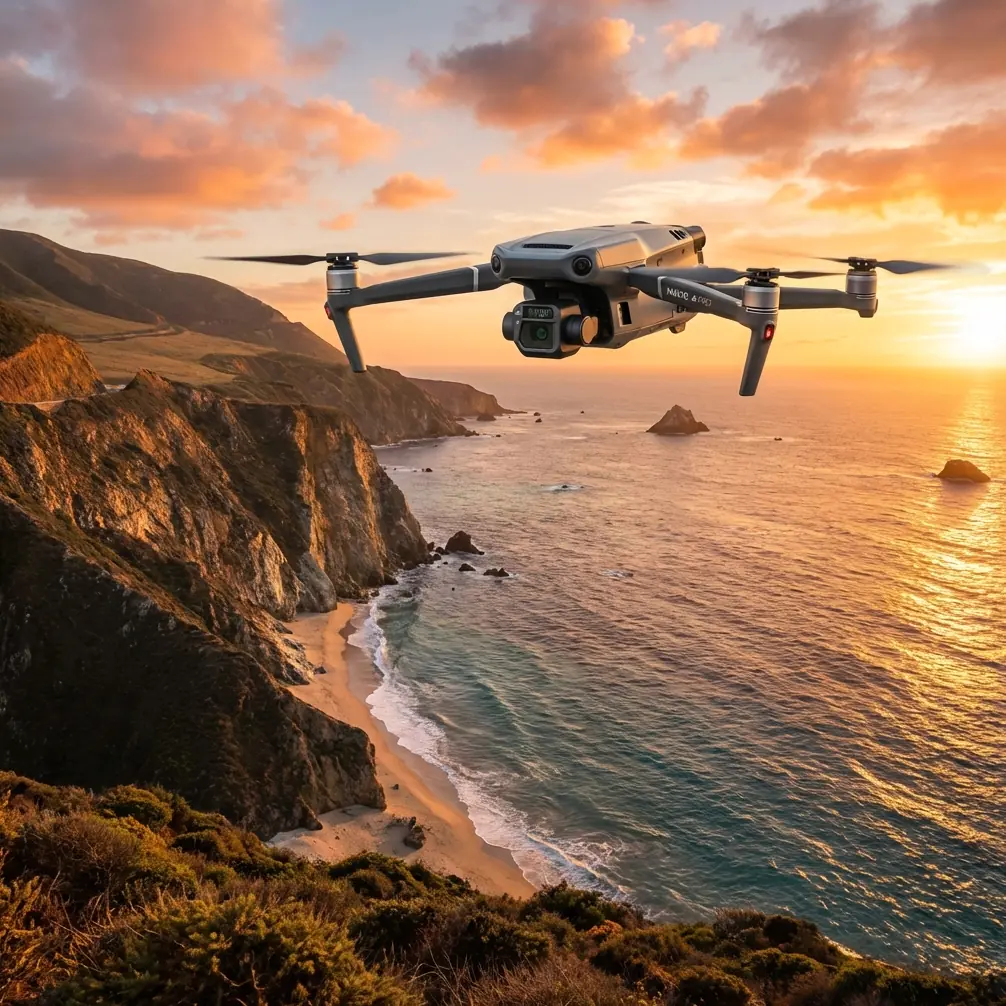
Mavic 3T for Urban Wildlife Tracking: A Field Tutorial Built Around Reliability
META: Learn how to use the Mavic 3T for urban wildlife tracking with a practical workflow focused on thermal signature detection, flight prep, data security, and dependable firmware habits.
By James Mitchell
Urban wildlife work is messy in a way open-country surveying rarely is. Heat leaks from rooftops. Traffic throws glare into every camera angle. Tree cover breaks line of sight at the exact moment an animal crosses from a drainage corridor into a construction lot. If you are using a Mavic 3T in that environment, the aircraft itself is only part of the equation. The real difference comes from the discipline around preparation, data handling, and repeatable field procedure.
I was reminded of that during a dawn monitoring session focused on fox movement along a mixed residential-industrial edge. The animal had slipped behind HVAC units on a flat commercial roof, then reappeared near a narrow service alley lined with parked vans and steel fencing. Visually, it was a poor scene. Thermally, the signature was still clean enough to track because the flight had been planned around temperature contrast and observation angles rather than simple overhead loitering. That is where the Mavic 3T earns its place in urban wildlife work: not as a magic sensor platform, but as a precise tool when the operator builds a strong system around it.
This tutorial is about that system.
Why the Mavic 3T suits urban wildlife tracking
For urban wildlife teams, the Mavic 3T sits at an interesting intersection. It is compact enough to deploy quickly from constrained spaces, yet sophisticated enough to support thermal signature interpretation, visible-light documentation, and georeferenced follow-up work. In a city, that combination matters more than raw endurance numbers on a spec sheet.
Wildlife monitoring in built-up areas often means answering practical questions:
- Did the animal enter a stormwater channel or move under parked vehicles?
- Is a roof cavity being used as a nesting or resting location?
- Can we document repeat movement patterns without placing staff in unsafe areas?
- Can thermal detections be paired with visible imagery for reporting and habitat assessment?
The Mavic 3T is useful because it can bridge detection and documentation in one sortie. Thermal helps you find the subject. The visual payload helps you verify context. If you need to create a site map later, the same mission area can support photogrammetry planning and GCP-based validation on a subsequent flight.
That said, urban wildlife work punishes weak field habits. Two reference points from older aviation and DJI documentation make that very clear.
What a materials handbook and an old DJI firmware note still teach us
At first glance, a composite materials packaging handbook and a Matrice 100 firmware sheet seem unrelated to a Mavic 3T wildlife mission. They are not. Both point to the same operational truth: reliability starts long before takeoff.
One reference describes how composite prepreg materials must be protected in transit using moisture-resistant packaging, desiccant, clear labeling, and strict lot identification. It even specifies that each roll should be permanently marked with details such as supplier name, production date, batch number, quantity, width, and roll number. The reason is simple. If materials are not protected from moisture and not traceable to their production history, performance becomes uncertain.
That matters operationally for Mavic 3T users because drone teams often treat readiness as a battery percentage issue and nothing more. In reality, the aviation mindset is broader. Environmental exposure, storage condition, labeling discipline, and component traceability all affect mission confidence. If you are running repeated urban wildlife surveys, your batteries, payload accessories, SD cards, charging kits, and maintenance logs should be managed with the same seriousness that aerospace materials receive in controlled handling. The lesson is not about copying a factory process. It is about respecting chain-of-custody and condition control.
The second reference, from DJI’s Matrice 100 firmware update process, is even more directly useful. It states that battery charge should be above 50% before upgrade, that the firmware package needs about 100MB of Micro SD card space, and that the process can take up to 25 minutes. It also emphasizes checking the result file after the update and recognizing audible status cues during installation.
Those details may come from an older platform, but the operating principle is timeless: firmware is not an afterthought. It is a controlled maintenance event. For Mavic 3T wildlife teams, this has direct significance. A thermal mission conducted near buildings, roads, pedestrians, and reflective surfaces is not the time to discover inconsistent aircraft behavior caused by rushed software management, incomplete media preparation, or uneven battery readiness. The 50% threshold alone captures a larger habit worth keeping: never begin a critical maintenance or pre-mission process with marginal power reserves.
Pre-mission workflow for urban wildlife tracking
Here is the field routine I recommend when the Mavic 3T is being used for urban wildlife observation rather than general aerial imaging.
1. Start with the thermal problem, not the flight path
Urban wildlife missions fail when pilots think in map geometry before they think in heat behavior.
Ask first:
- What is the likely temperature difference between the animal and the background?
- Which surfaces will retain heat after sunset or before sunrise?
- Where are the false positives likely to occur?
A fox crossing wet asphalt at dawn behaves differently on thermal than a bird on a sun-warmed parapet. The Mavic 3T becomes far more effective when flights are timed for thermal separation rather than convenience. In many urban cases, the best window is early morning before hard solar loading corrupts rooftop and pavement signatures.
2. Build a launch checklist that mirrors aviation traceability
This is where that composite materials reference becomes surprisingly relevant. The handbook’s insistence on permanent marking, production date tracking, and moisture protection is really a lesson in disciplined readiness.
Apply that to your drone kit:
- Label batteries by serial and cycle history.
- Log unusual storage or transport exposure, especially heat.
- Keep memory cards assigned and formatted intentionally, not randomly swapped.
- Store mission-critical accessories in moisture-controlled cases when operating in humid environments.
- Track firmware state by aircraft, controller, and battery set.
If an aerospace material package requires desiccant and clear identification to preserve performance, your field electronics deserve more than being tossed loose into a backpack. Urban wildlife teams often work at odd hours and in changing weather. Small handling errors accumulate.
3. Treat firmware as field risk management
The Matrice 100 procedure notes three details worth carrying forward into modern practice: maintain more than 50% battery charge, ensure sufficient media space, and verify results after the update.
For Mavic 3T operators, that translates into a straightforward rule set:
- Do not perform updates casually the night before a sensitive wildlife mission.
- Confirm battery health and charge margins before any maintenance event.
- Use clean, known-good storage media.
- After updates, perform a controlled function check instead of assuming success.
That old DJI document also mentions a firmware package requiring about 100MB of free space and an update duration of roughly 25 minutes. The specific numbers belong to a different aircraft, but the mindset is what counts: leave room, leave time, and verify completion. When a drone is being used to document animal movement near traffic corridors or building voids, maintenance shortcuts are operational shortcuts too.
A practical mission profile for urban foxes, birds, and roof-dwelling wildlife
Let us return to the fox encounter.
The site included a row of light-industrial buildings, dumpsters, alley shadows, and a thin strip of scrub vegetation along a drainage line. A purely visual scan would have lost the animal more than once. The thermal payload let us maintain intermittent contact by identifying a moving heat source as it passed between cluttered structures. But the real success came from how the mission was staged.
Launch position
Choose a takeoff point with immediate vertical clearance and minimal foot traffic. In urban wildlife work, the launch site affects far more than convenience. It shapes your initial acoustic footprint and the angle at which the thermal sensor first sees the site.
Initial climb and wide scan
Start with a broad thermal sweep to identify hotspots and eliminate static distractions. Rooftop vents, parked engines, and reflective surfaces can mimic animal presence if viewed too quickly. Avoid chasing the first warm object you see.
Confirm with visual context
Once a likely target appears, use the visible camera to understand surroundings. Is the subject beside discarded construction material, under HVAC ducting, or moving along a fence line? Thermal finds; visual explains.
Maintain a standoff mindset
For wildlife, especially in urban pockets where stress and escape routes are limited, the goal is observation, not pressure. Keep enough distance to preserve natural movement. If the subject begins altering behavior because of aircraft presence, your data quality drops immediately.
Mark locations for follow-up mapping
If the mission reveals den access points, repeated crossing routes, or nesting structures, flag those coordinates for later site products. This is where photogrammetry and GCP workflows can complement thermal observation. You may not need a full mapping mission every time, but when habitat conflict, building maintenance, or conservation planning enters the discussion, accurate spatial outputs become valuable.
O3 transmission, AES-256, and why data handling matters in wildlife work
Wildlife tracking in cities is not only an aviation task. It is also a data governance task.
The Mavic 3T’s communication and security ecosystem matters because urban missions often capture adjacent private property, rooftops, yards, commercial service areas, and infrastructure details that are not central to the wildlife objective. Stable O3 transmission helps the pilot maintain reliable situational awareness in signal-challenging spaces. Secure handling practices, including AES-256 aligned workflows where applicable in your broader data environment, help protect sensitive imagery and location records.
That is not abstract policy language. It has field consequences.
A nest site, bat roost access point, or den location can be sensitive. So can imagery showing building vulnerabilities or private-site layouts. Teams running commercial wildlife assessments should define retention policies, access permissions, and transfer procedures before the first survey begins.
If your operation needs help setting up a practical field and data workflow, this is a good point to message a drone specialist directly.
Battery planning without hot-swap assumptions
One of the LSI ideas often associated with larger enterprise platforms is hot-swap batteries. For urban wildlife teams considering the Mavic 3T, the useful takeaway is not whether your aircraft supports a particular battery-handling feature. It is that continuity planning matters.
In field terms:
- Rotate battery sets deliberately.
- Record which battery powered which sortie.
- Allow realistic thermal cool-down before recharge cycles.
- Avoid squeezing “one more quick flight” out of a pack already near your internal reserve threshold.
That old DJI upgrade sheet’s 50% minimum battery reminder is a maintenance note, but the logic carries into operations. Power margin is not dead weight. In urban wildlife work, it is decision space. It gives you time to reframe, confirm a thermal contact, or return safely when GPS geometry, wind channels between buildings, or visual clutter complicate the mission.
BVLOS talk belongs in planning, not improvisation
Urban readers often ask whether wildlife corridor monitoring can be scaled toward BVLOS operations. The answer depends on local regulation, airspace structure, operational approvals, and risk controls. What matters here is that BVLOS should never emerge informally from a visual-line-of-sight mission that simply drifts farther than intended.
The Mavic 3T is capable enough to tempt overreach, especially when a thermal target continues moving through urban obstacles. Resist that temptation. Build your program around approved procedures, observer support where required, and a clearly bounded concept of operation.
For most urban wildlife teams, the better answer is usually smarter launch positioning, better timing, and stronger route prediction rather than stretching the mission envelope.
The real edge: repeatability
The strongest Mavic 3T wildlife operators are not the ones who post the most dramatic thermal clips. They are the ones who can reproduce useful data across changing sites and changing days.
That comes from habits:
- Mission timing based on thermal contrast
- Equipment storage discipline
- Battery tracking
- Firmware verification
- Secure data handling
- Clear distinction between detection flights and mapping flights
It is striking that one of the most valuable lessons in this context comes from a materials packaging section that talks about desiccant, moisture protection, and permanent labeling. Another comes from an older firmware sheet that reminds users to have at least 50% battery, around 100MB of card space, and enough patience for a process that may run 25 minutes. Different documents, same message: successful flight work is built on controlled preparation.
That is exactly what urban wildlife tracking demands from a Mavic 3T operator.
A thermal sensor can help you reacquire a fox slipping behind rooftop machinery or confirm heat activity near a suspected nesting void. But those moments only become dependable results when the aircraft, batteries, software state, storage media, and mission structure are all managed like parts of one system.
Ready for your own Mavic 3T? Contact our team for expert consultation.